Kyle Harrison
course
Effortless Output With Roam Research
Effortless Output With Roam Research
Kyle’s full course notes on Nat Eliason’s Roam course, hosted on Forte Labs.
Not a book. This page surfaced in the
Reading Statussweep but has noReading Statusfield — its metadata readsSource:: learn.fortelabs.co/courses/…andTags:: #Courses. Per the books rule, only pages whose metadata actually saysReading Status:: Books Read(orbooks-to-read) get treated as books; this is a course, so it lands inlong-readswithformat: course.
Notes
- Version 1 Notes
- Welcome
- {{youtube: https://www.youtube.com/watch?v=syKAar8ZD-U}}
- Evernote, Airtable, Notion - how to really think about the differences is a vitriol experience that is emotional for people
- “Roam Research creates a flat means of Note-taking compared to more filing cabinet type of note-taking in Evernote or Notion.”
- Video 1: Daily Note
- Learned how to change bulleted listed to other types of lists; you have to change the master bullet and then the list below that will change format
- Numbered lists
- Numbered lists
- Can also change so that it’s just text without the bulleted emails, for example if you wanted to draft an email but didn’t want to have to go back and delete all the bullets
- Dear Person
- I hope you are doing well.
- Best of luck in your future endeavors
- Kyle
- You can also change a whole page to “Document mode” not just a specific block / sub-block
- Shortcuts like “/time” or “/date” or “/today”
- 05:59
- Learned how to change bulleted listed to other types of lists; you have to change the master bullet and then the list below that will change format
- Video 2: To Dos and Tasks
- You can drag blocks into different hierachies
- Turning something you’ve already written into a to do
- Checking something off you’ve already written
- Can also right click and “make TODO”
- Headers
- Header 1 (CTRL + CMD +1)
- Header 2 (CTRL + CMD +2)
- Header 2 (CTRL + CMD +3)
- Clicking in and out of blocks
- On Mac, CMD + ”.” steps you into the block and CMD + ”,” steps you out of that block
- Ask Roam Research team what the equivalent is on PC
- On Mac, CMD + ”.” steps you into the block and CMD + ”,” steps you out of that block
- You can drag blocks into different hierachies
- Video 3: Date Picker
- Assign tasks to your self in the future with the ”{/datepicker}” function
- Video 4: Linking between pages
- Click ”+” next to “all pages” to create a new page
- You can copy a group of blocks into references and drag them between pages
- Exampe: Latte Recipe
- Step 1
- Step 2
- Step 3
- Ask Roam Research team about the equivalent on PC for holding down ALT or OPTION to drag a group of references
- Exampe: Latte Recipe
- Difference between hashtags and page links
- Not really different functionally
- Tags are good for out of context reference vs. page links make more sense in context
- Video 5: Side bar
- Click shift and click on any link on the page in the side bar
- “CTRL + SHIFT + o” when you’re in a link to open the side bar
- Video 6: Filtering
- Adding tags can help make filtering easier #scheduled #waiting
- Knowledge Management
- Video 7: Attributes and Metadata
- ”::”
- Metadata
- Books
- Author
- Reading Status
- Recommended By
- Tags
- Books
- Video 8: Adding Article notes to Roam
- Video 9: Adding Kindle Notes to Roam
- Video 10: Adding physical book notes to Roam
- Motivated me to finally try Readwise; blew my mind that they can do the picture scan and then highlight / select the section on the page that you want to take!
- Video 11: Progressive summarization
- Referenced Tiago Forte work on progressive summarization
- Video 12: Smart notes
- Take active notes while you read where you record the actual idea that was sparked as you read
- Nat Eliason recommends noting down those key ideas, referencing them all to the book you read but then dragging those ideas into the actual note that you referenced them to
- I think I’m okay with just referencing the note at the end of the sentence
- Video 13: Organizing your notes into head pages
- Video 14: Outlining an article
- CTRL + Drag (grabbing the bullet) can set up an automatic block link to another section
- Video 15: Writing a draft in Roam
- You can use {{word-count}} to count words
- {{word-count}} also works for sub bullets
- Hi my name is kyle
- Video 16: Writing an newsletter in Roam
- He uses ConvertKit for his newsletter; I wonder how it compares to Substack
- Video 17: Intro to Roam productivity
- Getting Things Done by David Allen
- Tiago Forte
- Getting Results The Agile Way
- His structure:
- Goals: High level things you’re working towards
- Projects: Things you’re actively working on and have a clear timeline
- Weekly & Daily Task Management: What your’e doing
- Video 18: Goal tracking
- Near Term
- From your goals you get your projects
- Video 19: Project tracking
- Starts a project with “Resources”
- Relevant people, uploading links, roadmap, etc.
- The Plan
- Everything you need to accomplish in order
- Create a to do list
- Then sub bullet things to do to complete that
- and another
- Starts a project with “Resources”
- Video 20: Weekly planning
- Has a layout for
- Weekly Goals
- xxx
- Daily Goals
- Monday: March 23rd, 2020
- Tuesday: March 24th, 2020
- Weekly Goals
- Has a layout for
- Video 21: The inbox and lingering tasks
- Video 22: Daily Task management
- Video 24: Roam as a personal CRM
- Adding metadata for people, even their birthday will show up on the right date just in more detail
- Video 26: Filtering
- You can use querying to select specific people with specific interests:
- Video 27: Morning Pages
- Questions
- Bugging me?
- Anything I’m forgetting?
- What to write about?
- How do I feel?
- Prompts
- I love it when
- I hate it when
- When I wake up
- When I go to sleep
- If I could change one thing
- Next year I want to
- I miss
- ((XwiIugxez))
- Questions
- Video 28: Queries
- Video 29: Diagrams
- {{diagram}}
- Portfolio Ideas
- The New City
- https://twitter.com/RobertHaisfield/status/1247519099665571840
- {{diagram}}
- Video 30: Tables
- {{table}}
- Should you worry?
- Real bad
- Not Bad
- Real bad
- Worried
- You’re great
- Extra supplies
- You’re great
- Not Worried
- You’re screwed
- No worries
- You’re screwed
- Should you worry?
- {{table}}
- Daily Habit Tracker
- Monday
- Tuesday
- Wednesday
- Thursday
- Friday
- Saturday
- Friday
- Thursday
- Wednesday
- Tuesday
- Monday
- Inbox Zero
- Daily Habit Tracker
- {{table}}
- Video 31: Calculations
- {{calc: 8*8}}
- Variables
- Rent: $1200
- Utilities: $250
- {{calc:}}
- {{table}}
- Increase %
- New monthly rent
- New Monthly total
- New monthly rent
- 1.02
- ((fNArMpKtI))
- Increase %
- Video: 32 - Recipes
- Adding a visual line
- :hiccup [:hr]
- Adding a visual line
- Video 33: Block mentions and embeds
- ((XThmIgHgQ))
- Video 34: Images
- Video 7: Attributes and Metadata
- Welcome
- Version 2 Notes
- Aliases
- {{alias: Nat Eliason Nat}}
- Morning Pages
- Questions
- What am I excited about?
- What am I worried about?
- Is there anything I’m forgetting?
- What would I like to write about?
- How do I feel?
- What’s bothering me?
- What do I need to prioritize?
- Prompts
- I love it when
- I hate it when
- When I wake up
- When I go to sleep
- If I could change one thing, it would be
- Next year I want to
- I miss
- Topics
- Your partner, finances, job, etc.
- Questions
- Filtering
- You can also filter on a page, not just within linked references
- Readwise
- Aliases
Reading log
- March 30th, 2020: Kept working on Effortless Output With Roam Research
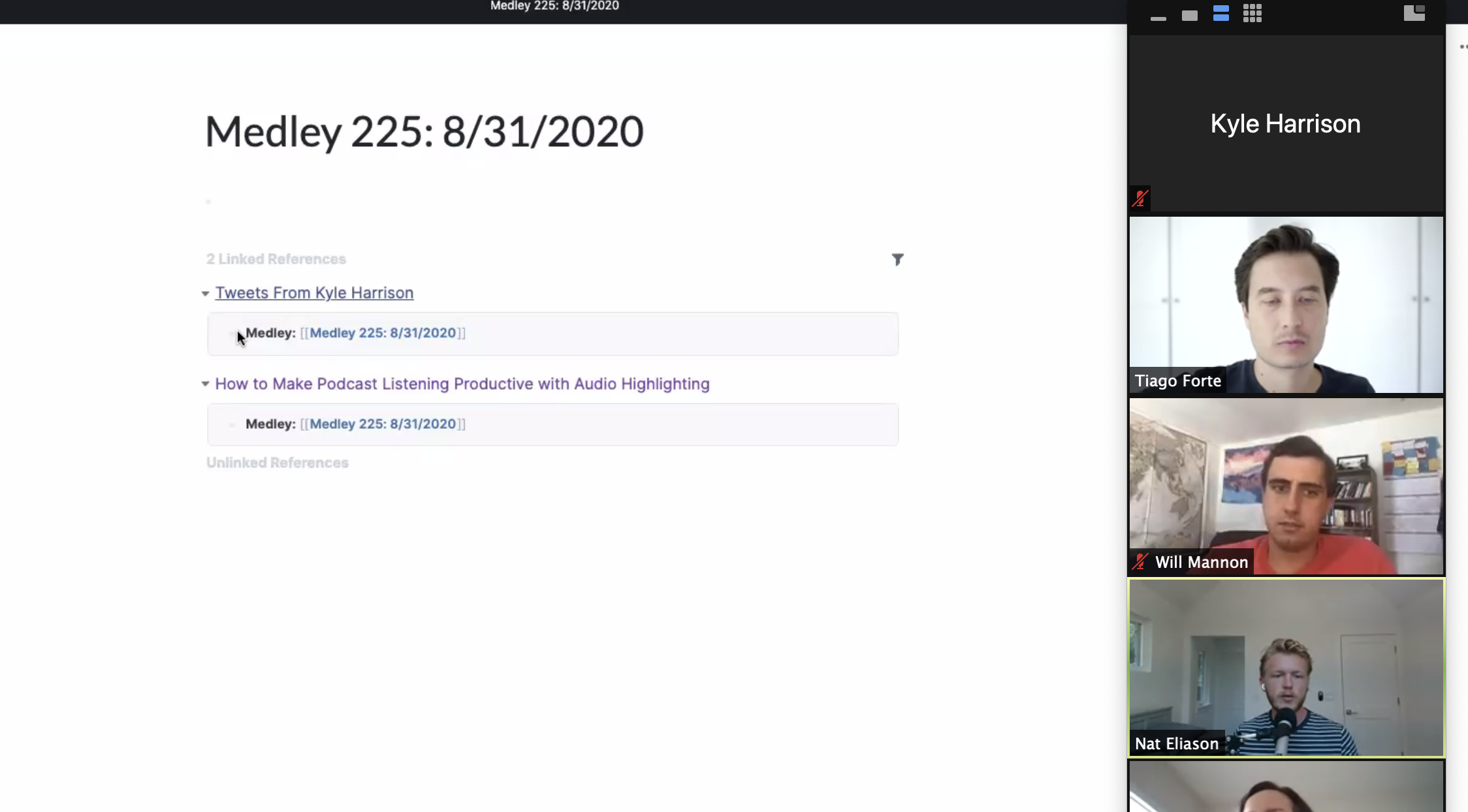
- August 28th, 2020: watched the course overview with Nat Eliason and Tiago Forte. Kyle’s notes, verbatim:
- Watched Effortless Output With Roam Research overview with Nat Eliason and Tiago Forte
- I made the Monday Medley!
- Roam themes
- Readwise setup for Roam integration
- You can set up all the custom meta data for when readwise puts something into Roam!!
- I made the Monday Medley!
- Watched Effortless Output With Roam Research overview with Nat Eliason and Tiago Forte
- April 9th, 2020: Kept working on the course.
- March 27th, 2020: “Kept working on Effortless Output With Roam Research course by Nat Eliason”
- March 28th, 2020: “Kept working on Effortless Output With Roam Research by Nat Eliason”.
Kyle’s progress notes
- April 10th, 2020, verbatim:
- Kept working on Effortless Output With Roam Research
- Reviewed Roam Research hot keys from Nat Eliason
- Reviewed “secret and advanced features” from Nat Eliason
- Kept working on Effortless Output With Roam Research